
Corsair iCUE 4000 magnetic side panel — free DIY project
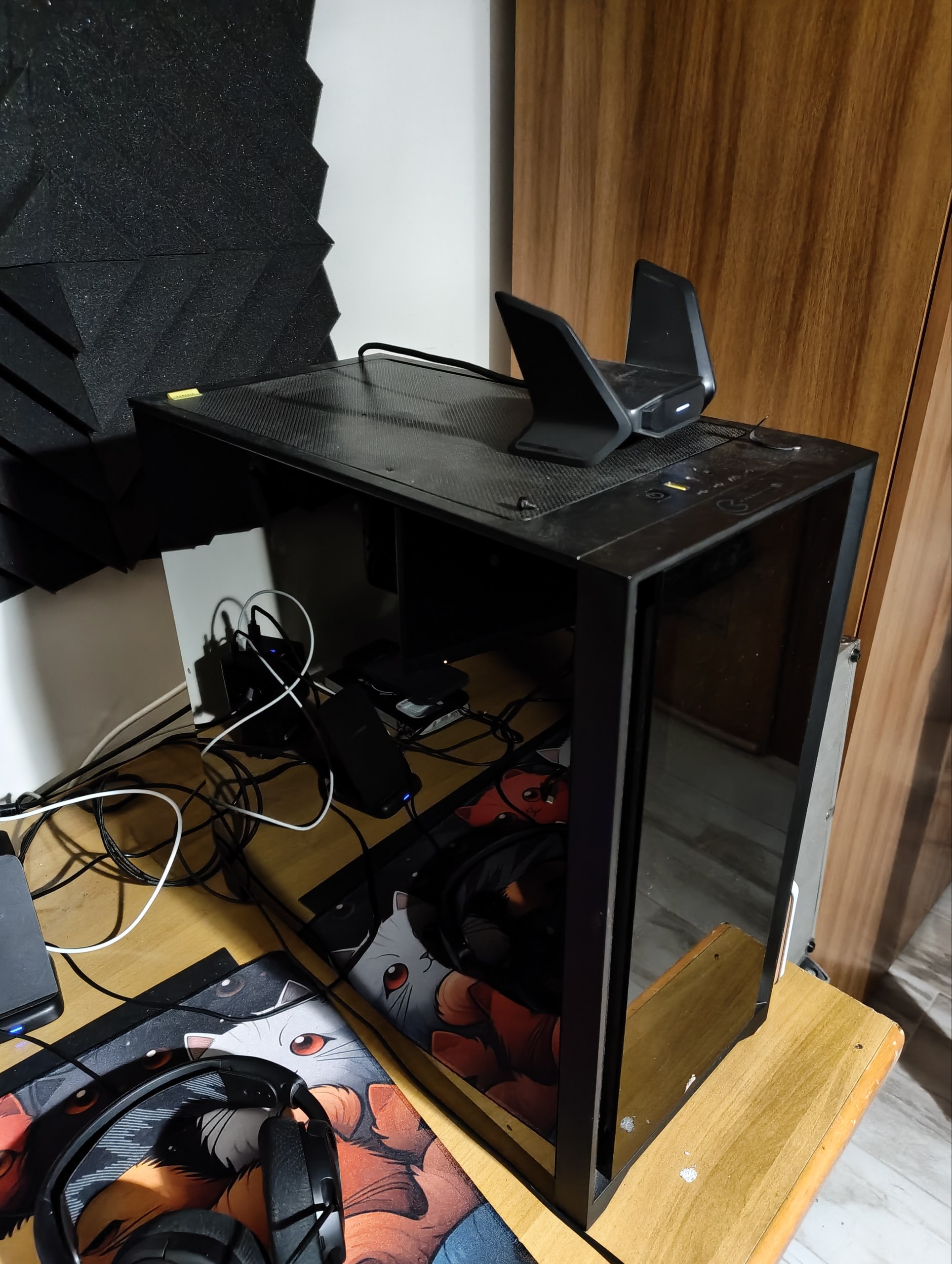
Make a smoked replacement side panel for the original Corsair iCUE 4000 series at home, or download the free DXFs and ask a local shop to cut one. This page provides files only; no physical panel is supplied.
The download includes a compact build guide and two DXF options: a 413 × 428 mm safer fit and a 413 × 429 mm version that is 1 mm taller and may need careful trimming on some cases. Both use 4 mm sheet and eight Ø6 mm holes for neodymium magnets. Choose 8 magnets Ø6 × 4 mm or 16 magnets Ø6 × 2 mm stacked in pairs.
Designed only for the original Corsair iCUE 4000 series; not for FRAME 4000. Use dark-smoke PMMA/acrylic or polycarbonate. The guide describes material trade-offs, home fabrication, black epoxy magnet installation, fitment and safety. Expect a practical DIY result, not a factory-perfect finish. Check your case and measurements before cutting.
Specifications
- Compatibility
- Original Corsair iCUE 4000 series only; not FRAME 4000
- Panel
- 413 × 428 mm (safe fit) or 413 × 429 mm (trim to fit), 4 mm sheet
- Magnets
- 8 × Ø6 × 4 mm or 16 × Ø6 × 2 mm neodymium, stacked in pairs
- Material
- Dark-smoke PMMA/acrylic or polycarbonate
- License
- CC BY-SA 4.0
For the original Corsair iCUE 4000 series only; not FRAME 4000. Check your exact case and measurements before cutting. DIY results may have small cosmetic imperfections.
Files are shared under CC BY-SA 4.0: sharing, adaptation and commercial sale of panels made from the files are allowed with attribution and share-alike. Independent project; not affiliated with Corsair.